
Enterprise infrastructure
Data Center & Enterprise Servers
Server consolidation, business applications and shared infrastructure require a clear capacity plan, supported DIMM type and balanced channel population.
Plan a server configuration ↗Plan DDR5 or DDR4 ECC memory around the platform, workload and deployment objective. YIHMA helps B2B buyers organize server RAM requirements for new builds, capacity upgrades and lifecycle replacement.
Memory capacity, bandwidth and DIMM population influence different workloads in different ways. The correct choice must remain within the server, CPU and motherboard specifications.
Server consolidation, business applications and shared infrastructure require a clear capacity plan, supported DIMM type and balanced channel population.
Plan a server configuration ↗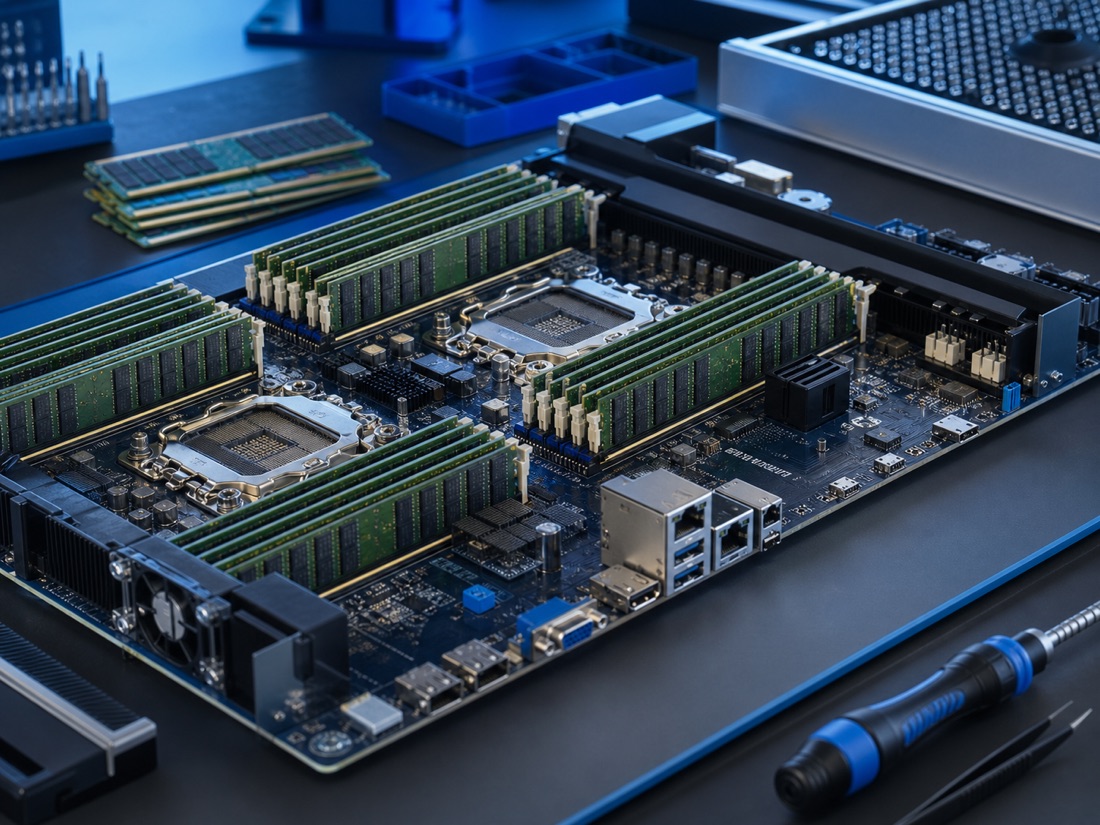
Each host needs memory for the hypervisor and provisioned virtual machines. Define VM density, memory allocation per workload and expansion headroom before selecting module capacity.
Discuss a host upgrade ↗Memory-intensive compute can be limited by bandwidth, capacity or both. Provide the CPU platform, accelerator topology, workload and target dataset when reviewing DDR5 server memory.
Review an AI server BOM ↗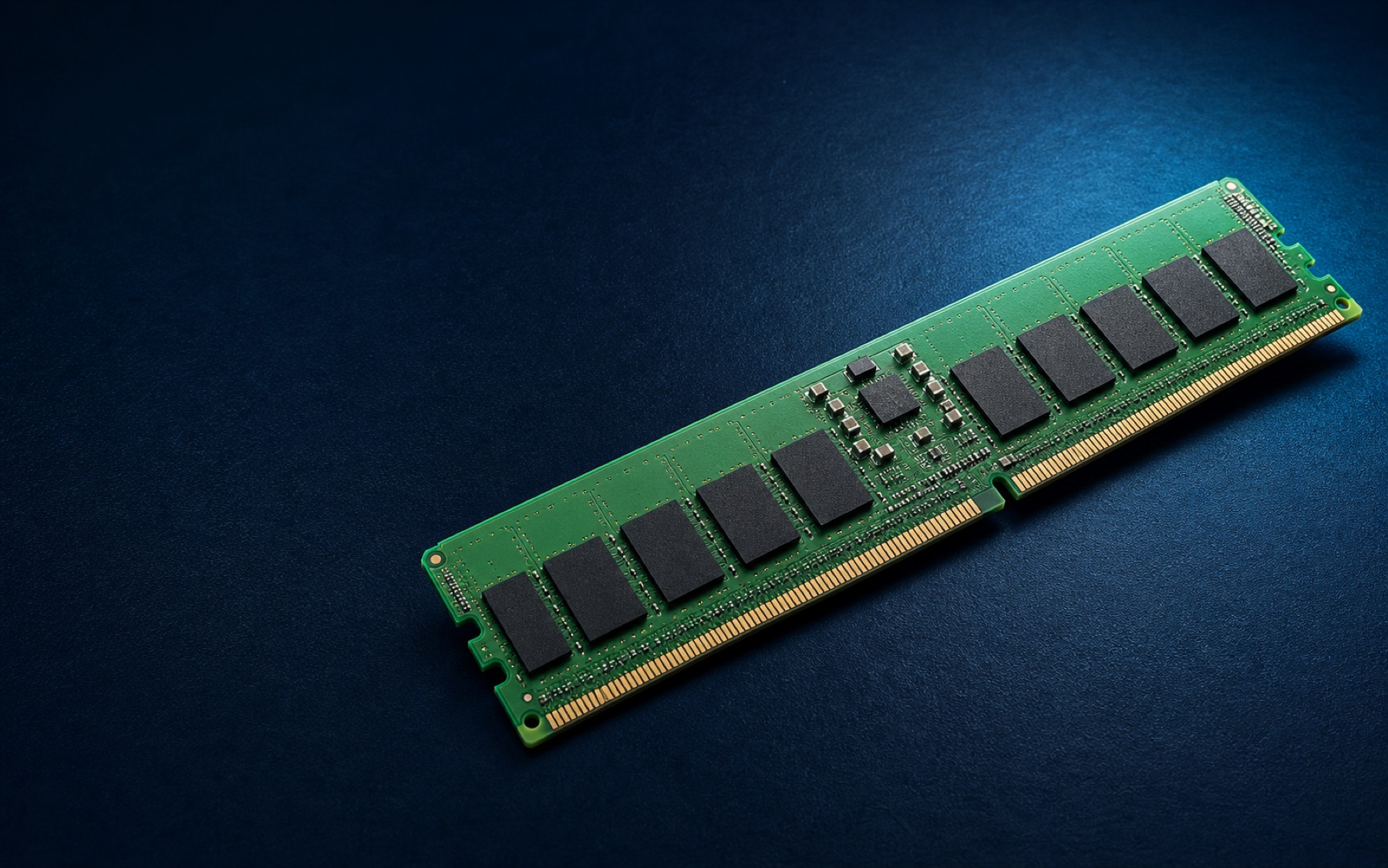
Working-set size, concurrency and data access patterns help define the capacity objective. Database upgrades should also account for redundancy and current DIMM population.
Send a database server model ↗Standardized server fleets benefit from controlled part numbers, repeatable configurations and clear replacement requirements across deployment batches.
Send a fleet requirement ↗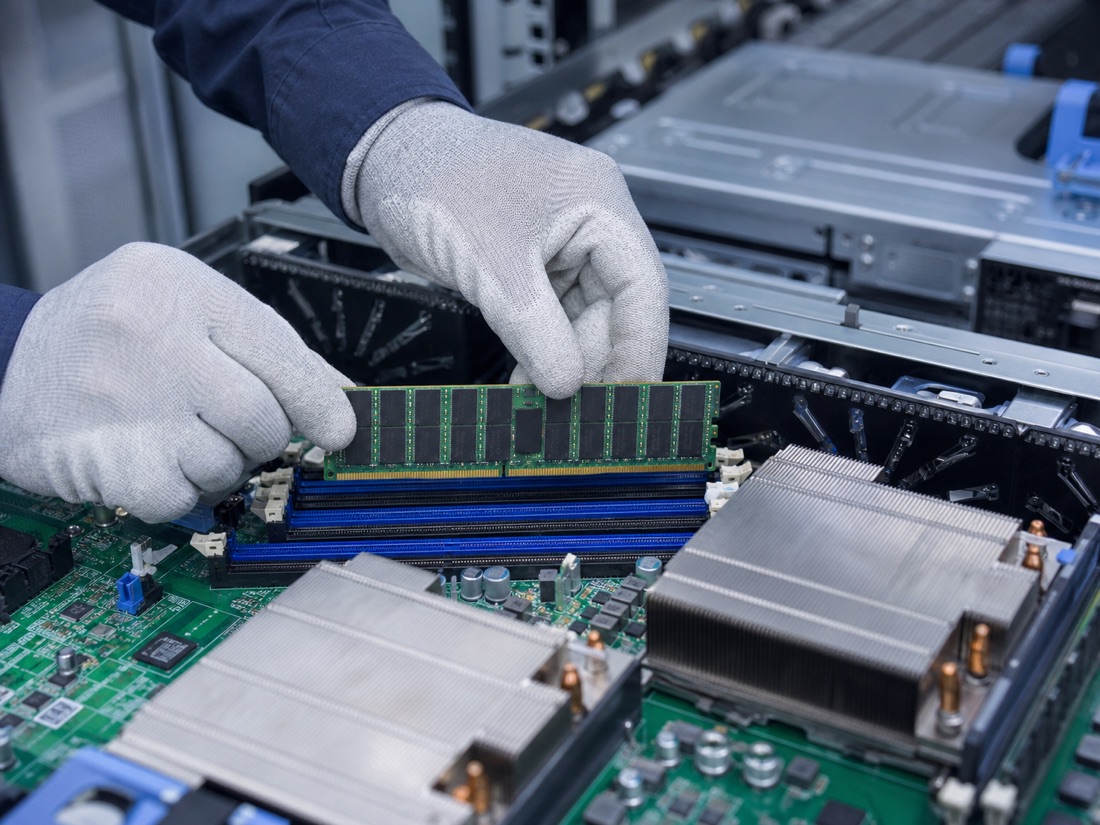
New builds need BOM-level matching; upgrades need a supported population plan; replacements need the complete existing module label and server model.
Check a replacement ↗These six questions help procurement teams and engineers describe the requirement before comparing available server memory part numbers.
State capacity per server, current usage, expected growth and whether spare capacity is needed for future expansion.
Share the CPU generation, memory-channel layout and whether the workload is compute, analytics or transaction intensive.
Provide installed module count, capacity, rank and part number. Balanced population may matter for platform performance.
Clarify whether the requirement is a new deployment, planned upgrade, failed-DIMM replacement or standardized fleet replenishment.
DDR5 and DDR4 requirements should be separated. Legacy supply often depends more heavily on an exact part number and suffix.
Include quantity, destination, target date, product condition, packaging, warranty/return and shipping terms.
This is a sourcing guide, not a compatibility guarantee. Always confirm the supported module type and population rules for the exact platform.
A common registered ECC format for compatible current-generation enterprise servers, data-center platforms and memory-intensive deployments.
View DDR5 ECC RDIMM ↗Unbuffered ECC formats for compatible entry servers, professional workstations and compact systems; not interchangeable with RDIMM.
View DDR5 ECC memory ↗Registered ECC memory for compatible established platforms, maintenance fleets and capacity upgrades where DDR4 remains specified.
View DDR4 ECC RDIMM ↗Suitable for controlled BOMs, repeat deployment batches and replacement tasks where the manufacturer code and suffix matter.
Send your BOM ↗Share the application, server quantity, target platform and whether this is a new build, upgrade or replacement.
Provide server model, CPU, current DIMM population, target capacity and any controlled part number.
Confirm DDR generation, module type, speed, capacity, rank and organization against platform documentation.
Add quantity, destination, target date and required condition, packaging, warranty or shipping terms.
Not always. Capacity should be planned from the hypervisor overhead, VM count, allocation per VM, host architecture and expansion strategy.
No. AI servers vary by CPU, accelerator and memory architecture. Confirm the exact platform-supported DIMM type, speed and population rules.
Provide the server and CPU model, node count, workload type, required capacity per node, current memory population and target deployment date.
Speed alone is not enough. Module type, capacity, rank, organization, CPU support and the server population rules may all matter.
Send the full label and part number from the installed module, server model, CPU and current DIMM layout. Avoid relying only on capacity and speed.
Yes. Separate each configuration by server model, required part number or specification, quantity and destination so each line can be reviewed clearly.
Send the workload, server model, CPU, current memory configuration, target capacity, quantity and destination. We will organize the requirement for quotation.